


Lockerpoint Luggage Storage Amsterdam City Center
per person
Discover Lockerpoint Luggage Storage Amsterdam City Center, the secure luggage depot in the heart of Amsterdam.
Jump to: Renting a locker online
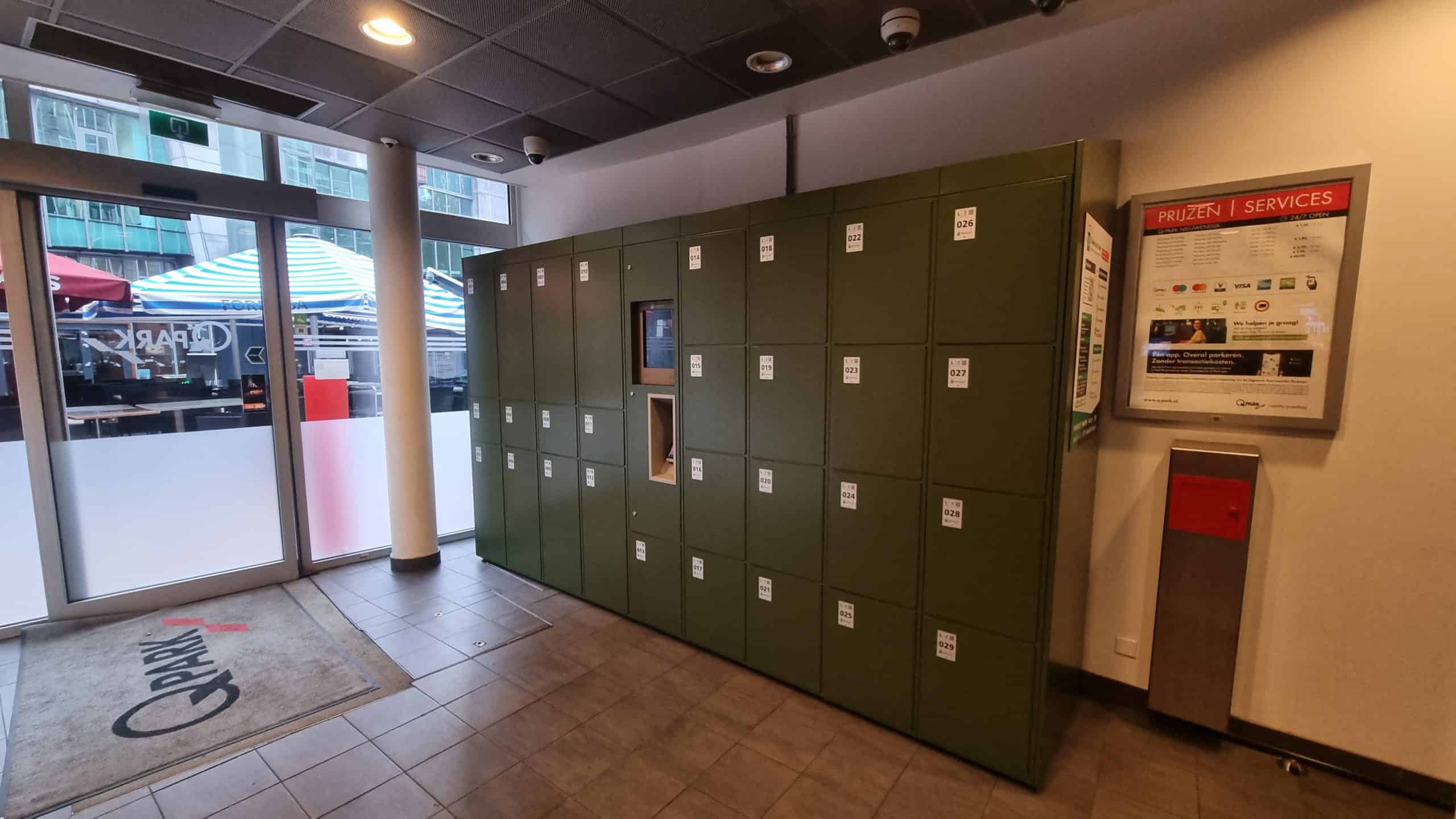
At Lockerpoint Luggage Storage Amsterdam City Center, located in Q-Park Nieuwendijk parking garage, we offer safe and reliable luggage storage. Our location is open 24/7, allowing you to store your luggage at any time of the day. Our storage facility include three different locker sizes, so you can always choose the right option for your luggage.
Our ideal location makes it easy to explore key attractions such as Dam Square, the Bijenkorf, and Kalverstraat. Whether you want to discover the famous Red Light District, visit De Beurs van Berlage, or experience the exciting attractions of The Amsterdam Dungeon and Madame Tussauds, we are the perfect base. Additionally, we are close to popular spots like Nieuwmarkt, Waterlooplein, Rembrandtplein, and Leidseplein. With various canal boats and starting points for walking and cycling tours nearby, you can easily discover the highlights of Amsterdam.
At Lockerpoint, we ensure that your luggage is safe and accessible, allowing you to enjoy everything Amsterdam has to offer with peace of mind.
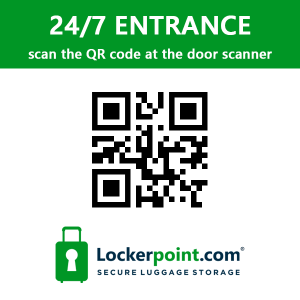
QR code for access
To gain access scan the QR code (see below) at the red access pole next to the entrance of the parking garage.
Opening hours
This location is open 24/7
Address
Lockerpoint Luggage Storage Amsterdam City Center
Nieuwezijds Kolk 18
1012 PV Amsterdam
+31 (0)20 221 8920
Dimensions & prices
You can rent a locker here starting from €7 for 24 hours.
During the rental period, it’s always possible to open a locker in between, and there are three different locker sizes available at this location.
| Locker Size | Price | |
| M | h30 x w35 x d60 cm (h11.81 x w13.78 x d23.62 inches) |
€7 |
| L | h50 x w33,5 x d78 cm (h19.69 x w13.18 x d30.71 inches) |
€9 |
| XL | h86 x w35 x d60 cm (h33.86 x w13.78 x d23.62 inches) |
€11 |
Renting a locker online
You can rent a locker on-site using our payment terminal or book one online on the same day. Follow these steps to rent a locker online:
1. On the day you need a locker, go to app.lockerpoint.com/citycenter
2. Select your rental period, enter your email address, choose a PIN code, and complete the payment. Your rental starts immediately after payment.
3. After payment, you will receive an email within 5 minutes containing a link that you can use later to open your locker. You can also use the terminal at the lockers for this.
4. Only open your locker when you are in front of it. Note: If you do not use your locker within 15 minutes after opening, it will be automatically released, and no refund will be possible.
5. If you want to retrieve your belongings later, check out via the app or terminal.
6. Please note: Once payment is made, it is not possible to cancel your locker usage or request a refund.
Payment options
This location offers two payment options:
Scan a QR code and book online
Scan the QR code with your mobile phone and follow the instructions. You can pay with iDEAL, Paypal, Maestro, Mastercard, or VISA. You’ll find the QR code on each locker or on the instruction board.
Use a payment terminal
You can find the payment terminal near the lockers. Here, you can pay with common debit and credit cards, such as VISA, Maestro, American Express, and Mastercard. It’s also possible to make contactless payments with Apple Pay and Google Pay.
Unfortunately, cash payments are not possible at this location.
Facilities
- Access lockers at any time (24/7)

- Three locker sizes (M, L & XL)
- 24/7 camera surveillance
- Intercom function for remote assistance
- 400 meters away from Lockerpoint Amsterdam Centraal
